GUIDE · BEATS · ANY DAW
How to mix hi-hats.
Hats are tiny in the mix but carry the whole bounce. Most hats are too loud, too harsh or too static. Here's how to fix all three with stock plugins.
By Jordon Lumley, producer and maker of SCRAMBLE. · Nov 2026
Step by step.
With your DAW's stock plugins. The numbers are starting points: trust your ears.
- High-pass. Cut everything under 300-500 Hz. Hats have no useful low end, only mud.
- Tame the harsh part. Small cut around 3-6 kHz if they sting. Then a gentle shelf above 10 kHz if they need shine.
- Velocity. Vary the velocity (loud on the beat, softer in between). This does more for bounce than any plugin.
- Space. Pan the hats a little off center, or pan rolls left to right. A short, quiet delay (1/16) adds movement.
- Rolls. Use 1/32 and triplet rolls, pitch some of them up a few semitones.
- Level. Turn them down until you barely hear them, then up a touch. They're usually too loud.
Or do it with one free plugin.
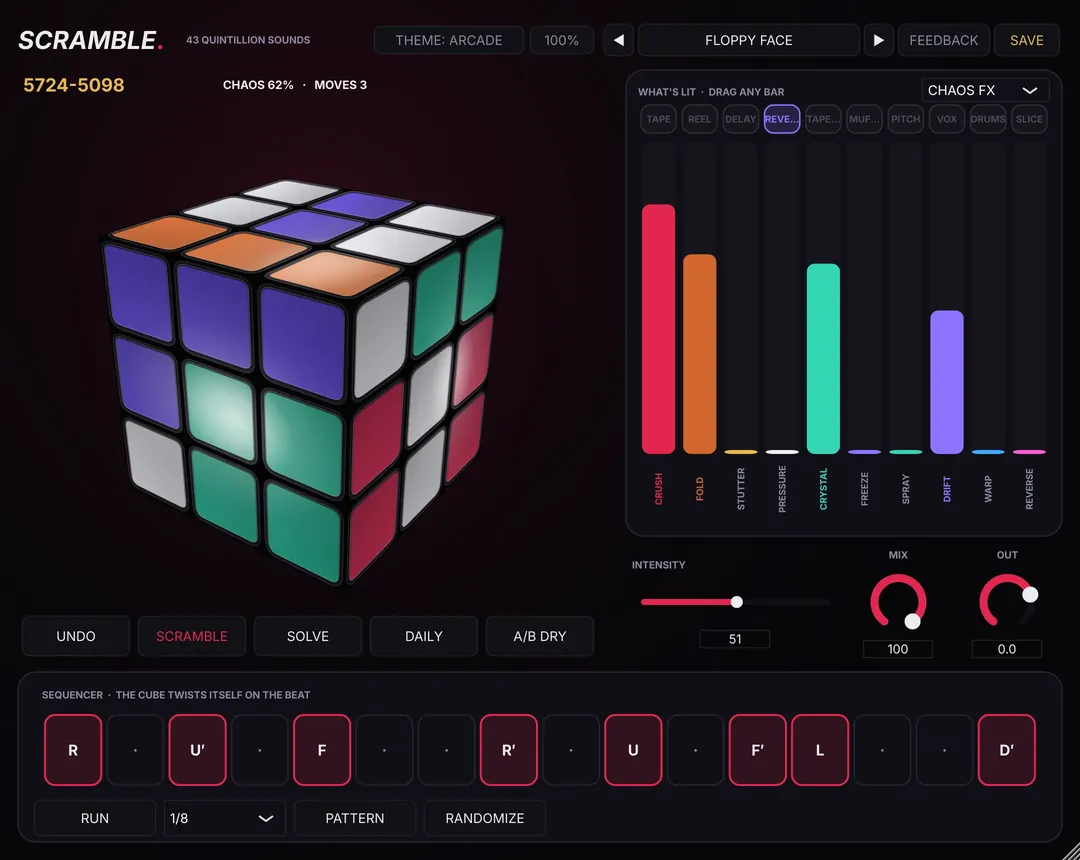
Put SCRAMBLE on the hats: BEAT SCRAMBLE re-orders the 16 slices for new patterns, GLITCH adds stutters and rolls, MORE FX's TIME rolls and reverses 16ths. The HAT TRICKS preset pack (16 presets) is a free pack of the week on Dec 21.
Free preset packs every week: see this week's free packs →
SCRAMBLE is free.
SCRAMBLE is a free FX plugin you play like a Rubik's cube: 43,252,003,274,489,856,000 positions, each a different FX chain. It works on drum buses, 808s and bass, hats, loops, vocals and the master bus, not just loops. 237 presets + 10 vocal chains free, Mac + Windows.
Questions
Why do my hats sound harsh?
Usually too loud and too much 3-6 kHz. Turn them down and cut a little there before adding any brightness.