GUIDE · BEATS · ANY DAW
How to master a beat at home.
Mastering a beat for YouTube, BeatStars or streaming doesn't need expensive plugins. It needs a good mix and five careful steps on the master bus.
By Jordon Lumley, producer and maker of SCRAMBLE. · Nov 2026
Step by step.
With your DAW's stock plugins. The numbers are starting points: trust your ears.
- Leave headroom. Your mix should peak around -6 dB before the master chain.
- EQ. Small moves only: cut under 30 Hz, a 1-2 dB shelf above 10 kHz if it's dull.
- Tape / saturation. A little tape warmth glues the beat and adds loudness without squashing it.
- Glue compression. 2:1, slow attack (30 ms), auto release, 1-2 dB of reduction.
- Clip, then limit. A soft clipper shaving 1-2 dB, then a limiter with the ceiling at -1 dB. Aim around -9 to -7 LUFS for rap beats.
- Compare. Level-match against a beat you like. Louder always sounds better, so compare at the same loudness.
Or do it with one free plugin.
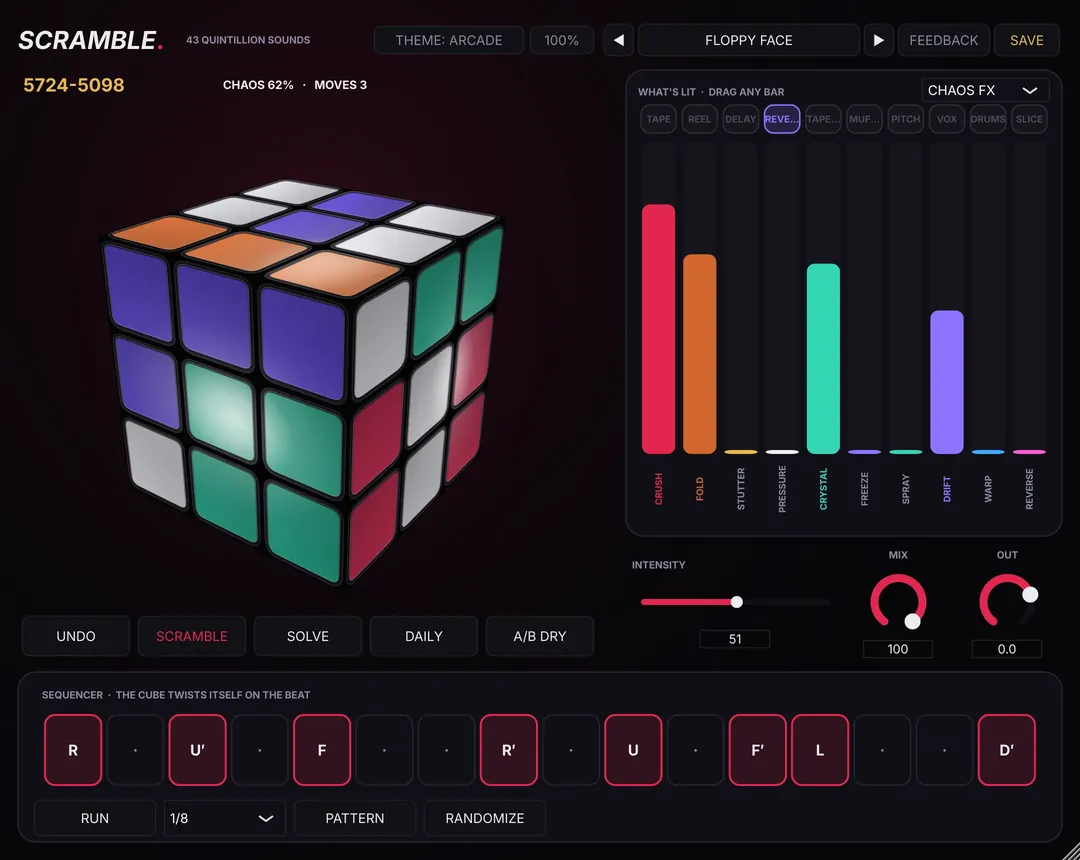
Put SCRAMBLE on the master and pick STUDIO for tape warmth and colour, a new colour on every twist. The MASTER BUS preset pack (16 presets) is a free pack of the week on Nov 9.
Free preset packs every week: see this week's free packs →
SCRAMBLE is free.
SCRAMBLE is a free FX plugin you play like a Rubik's cube: 43,252,003,274,489,856,000 positions, each a different FX chain. It works on drum buses, 808s and bass, hats, loops, vocals and the master bus, not just loops. 237 presets + 10 vocal chains free, Mac + Windows.
Questions
How loud should a beat be?
Most rap and trap beats land around -9 to -7 LUFS integrated, with the ceiling at -1 dB. Louder than that usually starts to distort.