GUIDE · BEATS · ANY DAW
How to make a vocal chain in Logic Pro.
Logic ships with everything a vocal chain needs, including pitch correction. Add these to the vocal channel strip in order.
By Jordon Lumley, producer and maker of SCRAMBLE. · Nov 2026
Step by step.
With your DAW's stock plugins. The numbers are starting points: trust your ears.
- Tune. Pitch Correction: set the key, Response fast for the hard tuned sound. Flex Pitch for hand edits.
- Clean-up EQ. Channel EQ: low cut around 80-100 Hz, dip boxy spots.
- Compress. Compressor (try the Vintage VCA or Vintage Opto models): 3:1-4:1, 3-6 dB of reduction.
- De-ess. DeEsser 2 after the compressor, just enough to tame S and T.
- Warmth + air. ChromaGlow or Phat FX for a little saturation, then a Channel EQ shelf above 10 kHz.
- Delay + reverb on sends. Bus 1: Tape Delay (1/4 or 1/8). Bus 2: ChromaVerb (short plate).
- Save it. Channel strip menu > Save Channel Strip Setting As, so it loads on every song.
Or do it with one free plugin.
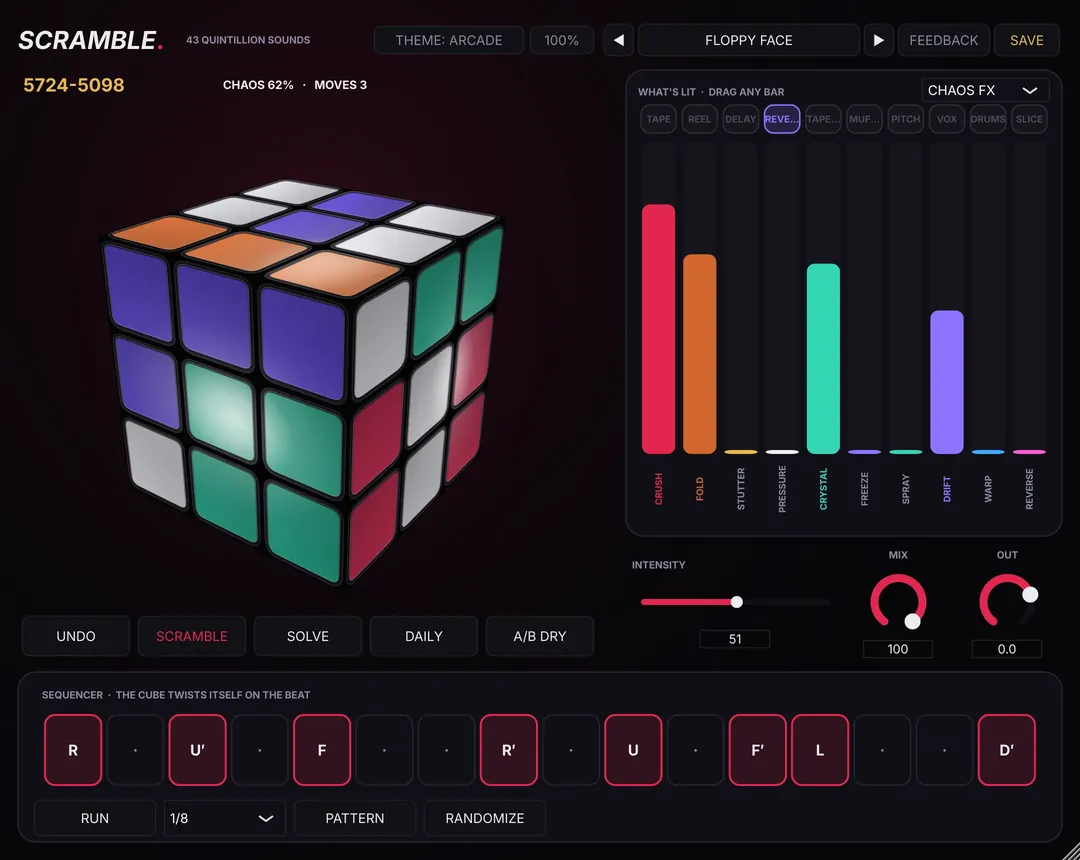
Or drop SCRAMBLE (free AU) on the vocal channel and pick a vocal chain: tune, EQ, compression, grit, doubles, delay and reverb in one plugin. 10 vocal chains free.
Free preset packs every week: see this week's free packs →
SCRAMBLE is free.
SCRAMBLE is a free FX plugin you play like a Rubik's cube: 43,252,003,274,489,856,000 positions, each a different FX chain. It works on drum buses, 808s and bass, hats, loops, vocals and the master bus, not just loops. 237 presets + 10 vocal chains free, Mac + Windows.
Questions
Does Logic Pro have auto-tune?
Yes: Pitch Correction for the auto-tune effect and Flex Pitch for detailed edits.
Is there a free vocal chain for Logic?
SCRAMBLE is a free AU with 10 ready-made vocal chains. It's ours, so try it next to Logic's stock chain and keep what sounds better.