GUIDE · BEATS · ANY DAW
How to layer synths without mud.
Big leads, bells and 808 melodies are usually 2-4 sounds stacked. Layering works when each layer has one job and its own frequency range.
By Jordon Lumley, producer and maker of SCRAMBLE. · Nov 2026
Step by step.
With your DAW's stock plugins. The numbers are starting points: trust your ears.
- Give each layer a job. Sub (weight), body (the note), top (bite or texture), air (noise or shimmer). Four is plenty.
- Split the frequencies. EQ each layer to its range: low-pass the sub, high-pass the body around 150-200 Hz, high-pass the top higher. Overlap is mud.
- Tune and time. Same key, same octave plan. Line up the attacks or offset a layer a few ms on purpose.
- Keep the low end mono. Only the top layers go wide. Low layers stay mono so it hits on phones and clubs.
- Balance. Solo the main layer, then bring the others in until you'd miss them if muted, not louder.
- Glue it. Group the layers to one bus: light compression and a shared reverb so it sounds like one instrument.
Or do it with one free plugin.
MUTANT. (our $39 synth) does this in one instrument: four layers, each with its own level, tune and low/high range, plus ready-made stacks and your own one-shots as layers. The FX it runs through is SCRAMBLE, which is free.
Free preset packs every week: see this week's free packs →
SCRAMBLE is free.
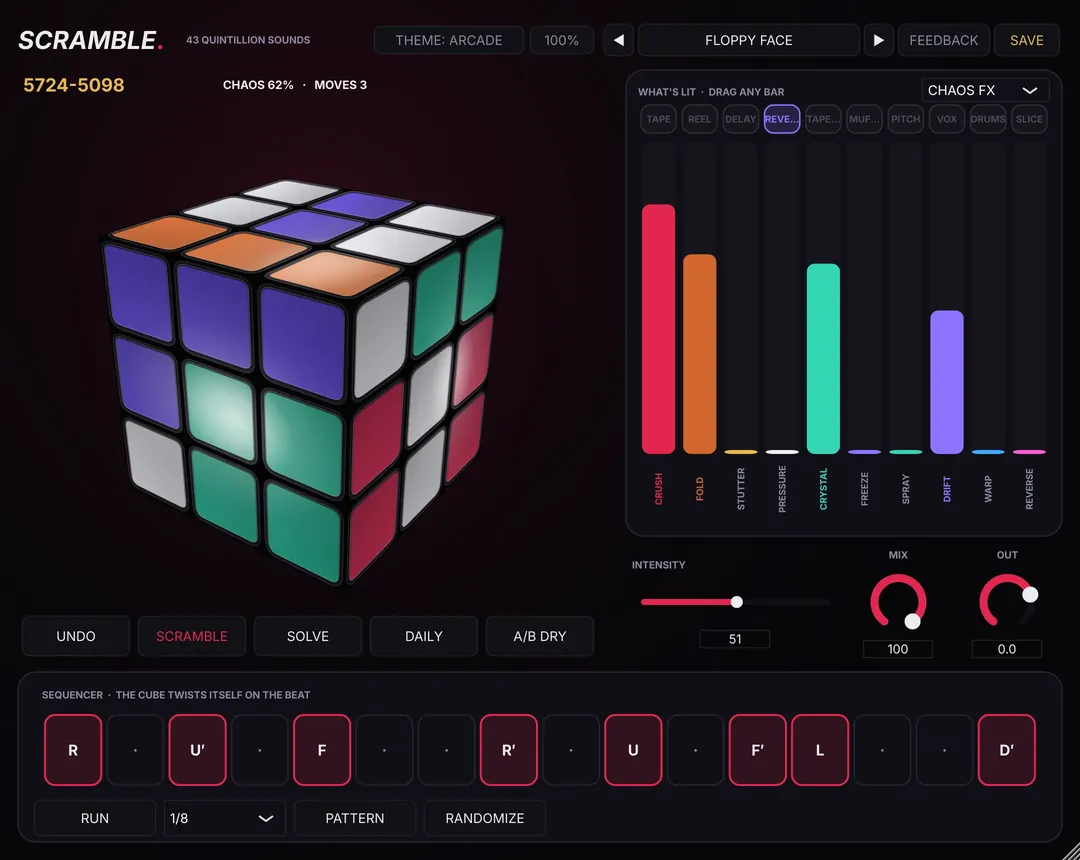
SCRAMBLE is a free FX plugin you play like a Rubik's cube: 43,252,003,274,489,856,000 positions, each a different FX chain. It works on drum buses, 808s and bass, hats, loops, vocals and the master bus, not just loops. 237 presets + 10 vocal chains free, Mac + Windows.
Questions
How many synth layers should I use?
Usually two to four. Every layer needs a job; if muting it changes nothing, remove it.
Why do my layered synths sound muddy?
Layers overlapping in the same frequency range, usually 150-500 Hz. EQ each layer to its own range.